
RoadServe Blog
Roadside AssistanceHow to Call Roadside Assistance via RoadServe App
Learn how to call RoadServe roadside assistance using the app. Quick steps and tips for fast support.
To call roadside assistance using the RoadServe app, simply open the app, select the type of service you need, and confirm your location. RoadServe ensures quick and reliable assistance, available 24/7 across India.
Key takeaways
- Open the RoadServe app to request assistance.
- Select the desired service and confirm your location.
- Receive a quote before dispatch for transparency.
- RoadServe provides reliable, 24/7 assistance nationwide.
- App booking is safer and faster than random local numbers.
How to Use the RoadServe App
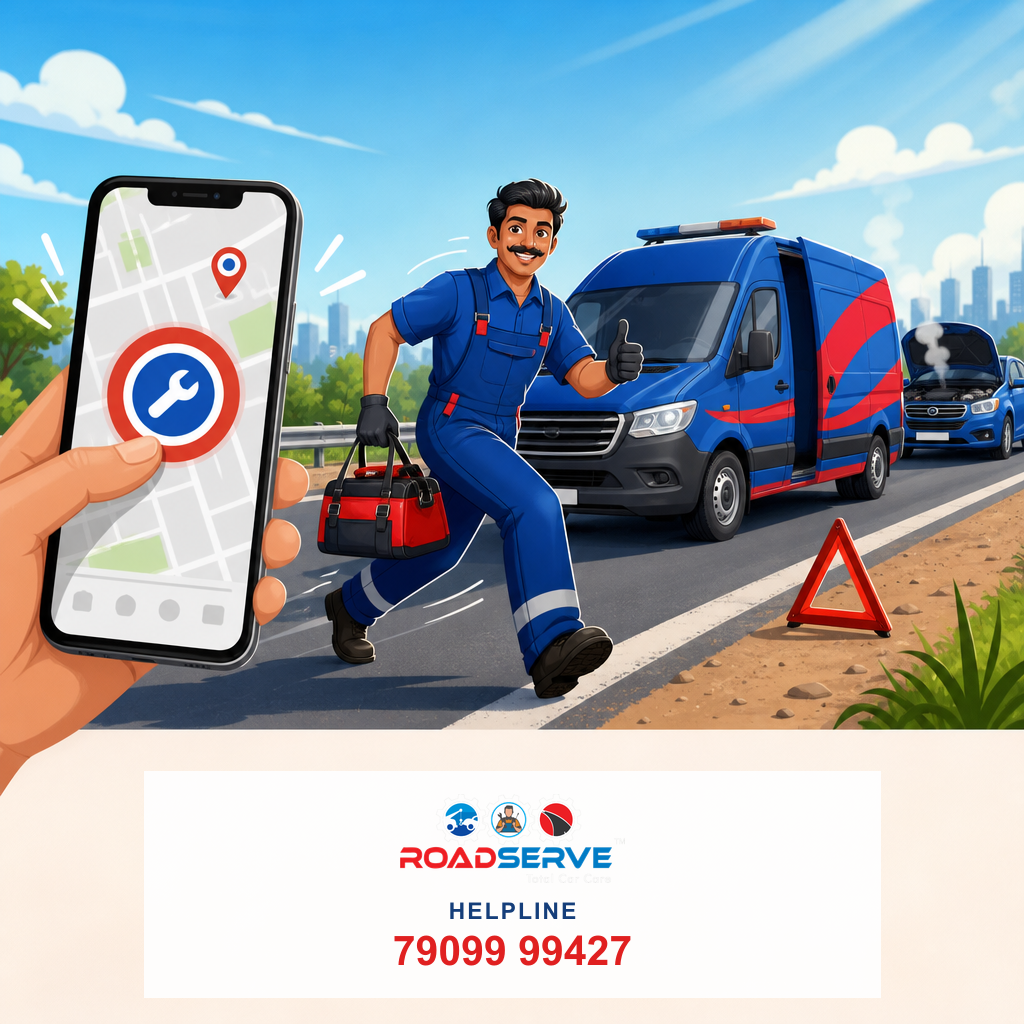
Getting stranded on the road can be stressful, but with the RoadServe app, help is just a few taps away. Here’s a step-by-step guide on how to efficiently use the app to call for roadside assistance:
- Download the RoadServe App: Ensure the app is installed on your smartphone. It is available on both Android and iOS platforms.
- Open the App: Launch the RoadServe app and log in with your credentials. If you're a new user, sign up using your phone number and email.
- Select the Service: Choose the type of service you require, such as towing, jump start, flat tyre, or fuel delivery.
- Confirm Your Location: The app will automatically detect your location. Confirm it or manually enter your exact location for precise service.
- Receive a Quote: Before dispatch, you will receive a quote detailing the estimated cost based on distance and service type.
- Confirm and Wait: Confirm the service request. A RoadServe partner will be dispatched to your location promptly.
Understanding RoadServe Service Factors
Several factors influence the efficiency and cost of roadside assistance:
| Factor | Impact on Quote |
|---|---|
| Distance to Location | Longer distances may incur higher costs. |
| Time of Day | Night services might have additional charges. |
| Service Type | Flatbed towing costs more than hook towing. |
| Availability | Partner availability can affect response time. |
| Highway/Urban | Highway services may have different pricing. |
All quotes are provided before dispatch, ensuring transparency and no hidden fees. Additional charges might apply based on specific circumstances.
Why Choose RoadServe?
RoadServe stands out as a reliable, 24/7 roadside assistance provider across India. Here’s why:
- Nationwide Coverage: Available in major cities like Delhi, Mumbai, Pune, and Bangalore.
- Quick Response: Fast dispatch ensures minimal wait times.
- Transparent Pricing: Receive quotes upfront with no surprises.
- Wide Range of Services: From towing to fuel delivery and key lockout assistance.
- Safety and Reliability: Professional partners ensure secure services.
Conclusion
In moments of roadside emergencies, the RoadServe app is your trusted companion. With simple steps to request assistance and comprehensive service options, you can be assured of quick and reliable help whenever needed.
Sources
National Highways Authority of India (NHAI) Helpline, Ministry of Road Transport and Highways (MoRTH) road safety guidance, Insurance Regulatory and Development Authority of India (IRDAI) for insurance topics.
Related RoadServe services
Book help or explore local guides linked to this topic.
RoadServe App
Book RSA from your phone
Download the app for one-tap help, live tracking, and membership.
Frequently asked questions
- How do I download the RoadServe app?
- The RoadServe app is available for download on both the Google Play Store and Apple App Store. Search for 'RoadServe' and install the app.
- What services can I request via the RoadServe app?
- You can request towing, jump start, flat tyre repair, fuel delivery, and key lockout assistance via the RoadServe app.
- Is RoadServe available 24/7?
- Yes, RoadServe provides 24/7 roadside assistance across major cities in India.
- How is the cost calculated for roadside assistance?
- Costs depend on factors such as distance, time of day, and service type. You receive a quote before the service is dispatched.
- Can I use RoadServe without an internet connection?
- An internet connection is required to use the RoadServe app for requesting services.
Related guides
View all →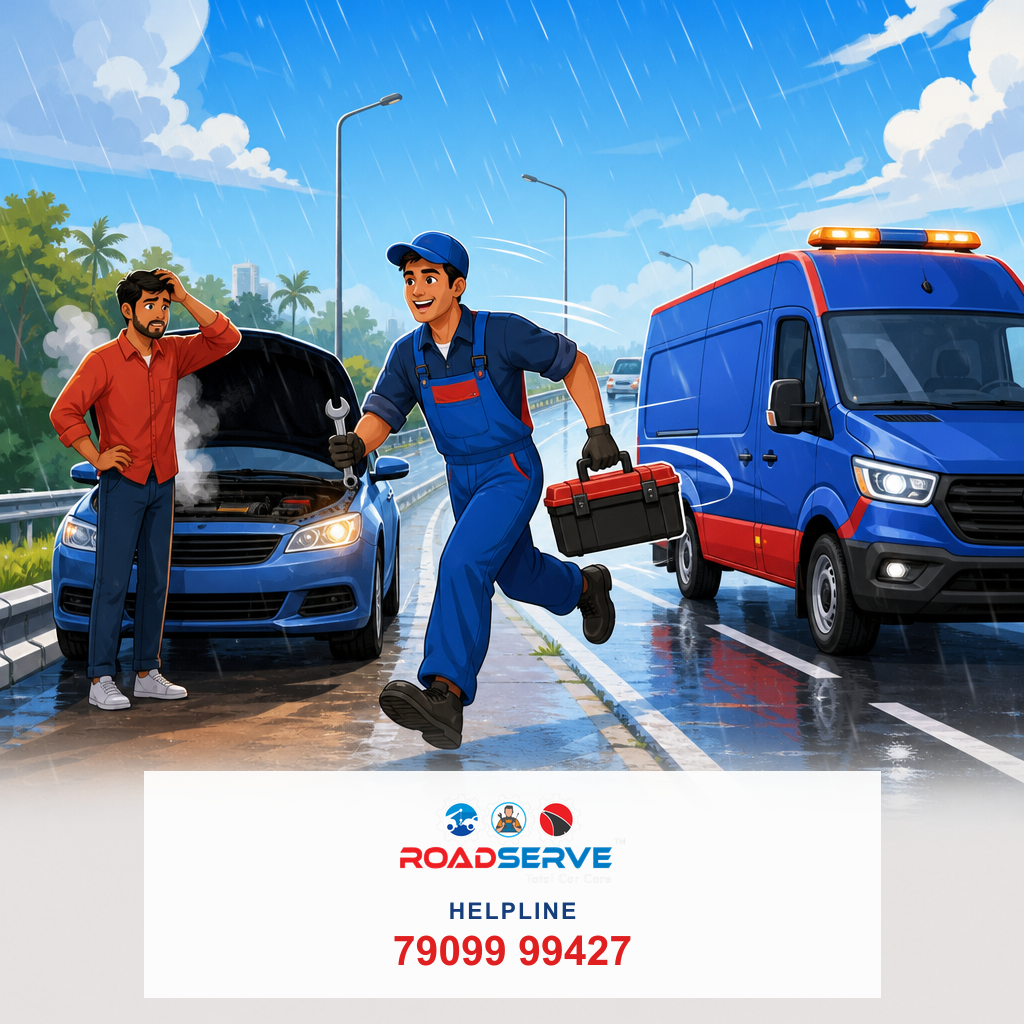
Car Breakdown in Rain: Who to Call on Highway
Stranded in rain on highway? Call RoadServe for quick towing and assistance. Find out what to do next.
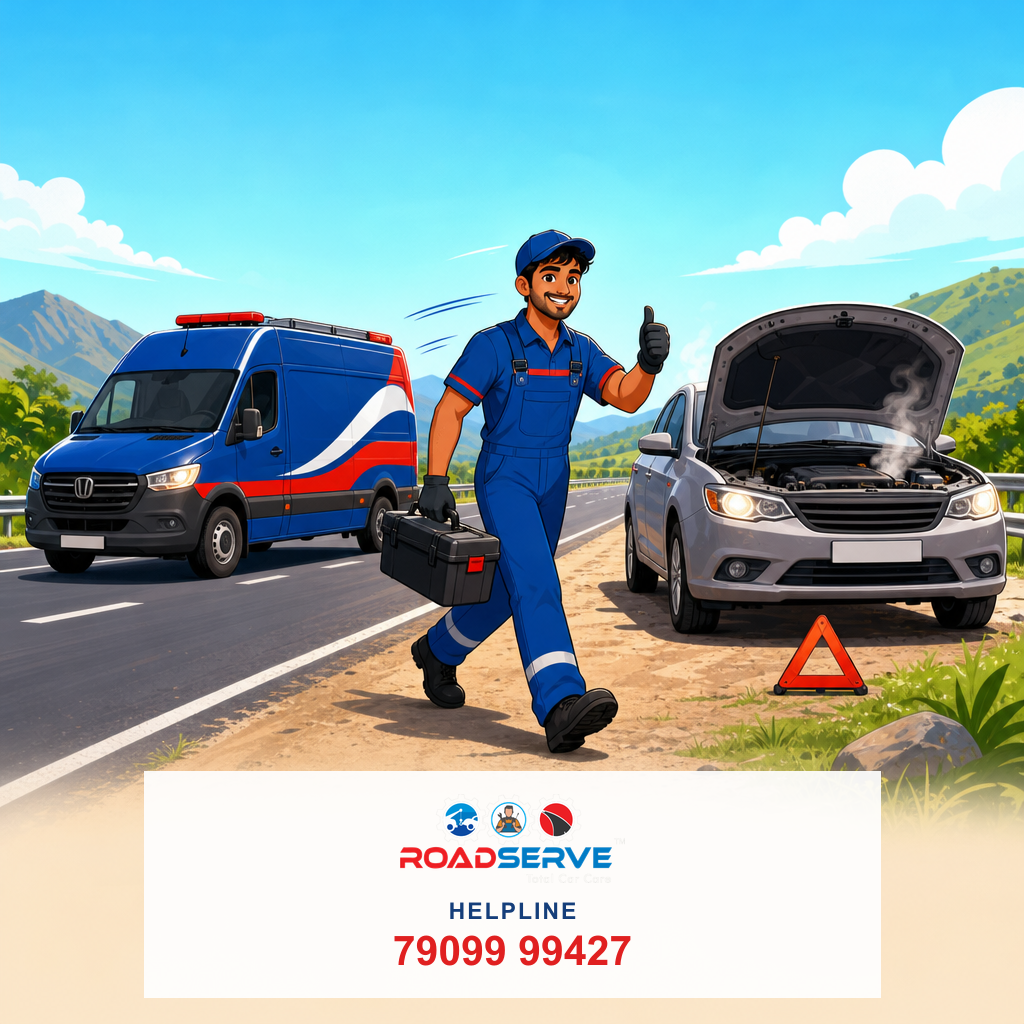
Outstation Trip Car Breakdown: Who to Call in India
Stranded on an outstation trip in India? Learn who to call for car breakdown help and how to ensure a smooth journey.

Family in Car Highway Breakdown: Who to Call First?
Facing a highway breakdown with family? Learn who to call first for safe, quick assistance. Stay prepared with RoadServe.
Bike Roadside Assistance Helpline India: Your Lifeline
Need bike roadside assistance in India? Learn who to call and how to get help quickly with RoadServe's 24/7 service.
Stuck on the road? We're 24×7.
Flat tyre, towing, jump start & more — across India
Or visit app.roadserve.in